Flight Master Wiki
Unofficial encyclopedia for the Roblox flight simulator by OctaGaming987.
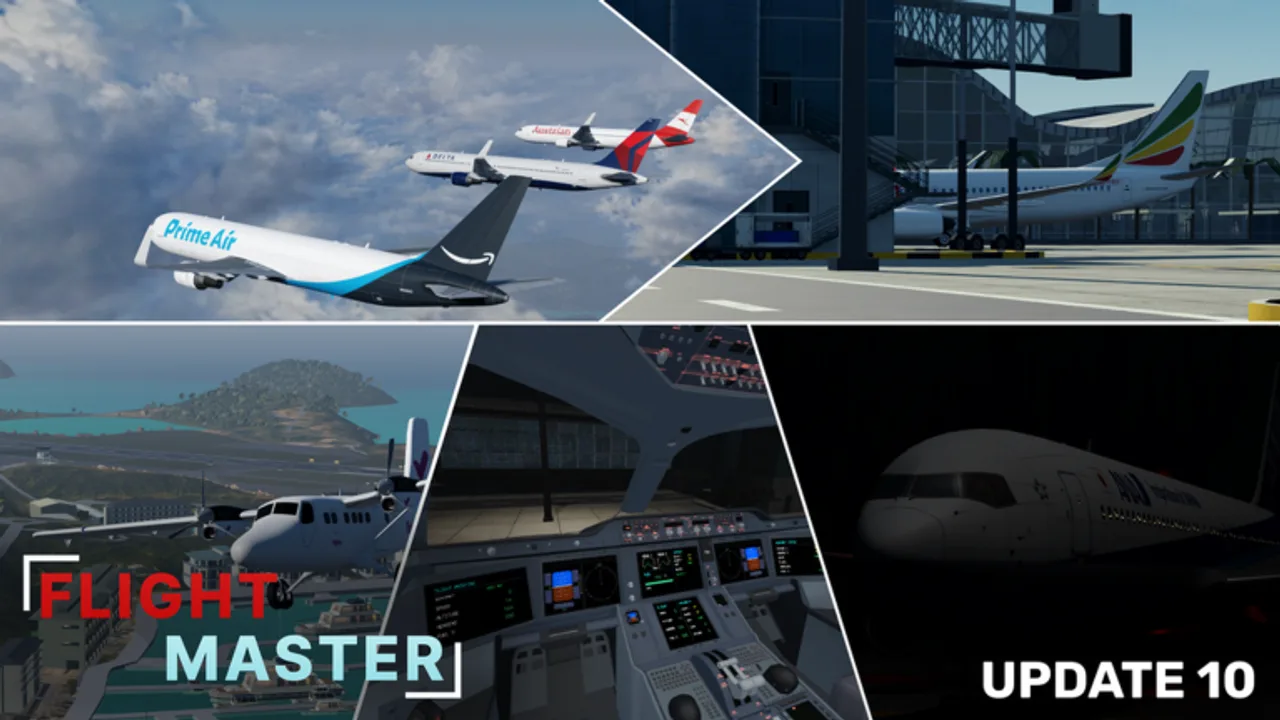
This Flight Master wiki is an unofficial fan resource for the Roblox flight simulator created by OctaGaming987. The live experience (place ID 16290530659, universe 5620725145) has surpassed 70 million visits with tens of thousands of favorites, placing it among the most visible vehicle sims on the platform.
Use the navigation hubs for daily needs: Codes, Guides, Tier List, Gamepasses, Updates, Links, and Scripts.
Game snapshot
| Fact | Detail |
|---|---|
| Genre | Simulation / Vehicle Sim |
| Platform | Roblox (PC, mobile, console clients) |
| Release | Released (created February 2024) |
| Multiplayer | Online servers, max 16 players |
| Headline systems | Realistic planes, airports, cockpits, ATC, Map Editor, weather |
| Latest major patch | Update 10 — remodels, 767, physics, UI, ATC/Editor rescript |
What you can do
- Fly airframes ranging from Twin Otter to A320neo, 737, A330/A340, A350, and Boeing 767
- Spawn at remodeled destinations such as Hamilton Island and Doha Hamad
- Staff ATC and sequence live traffic
- Build custom airports in the Map Editor
- Tune weather, cameras, and settings after the Update 10 revamp
- Collect airline liveries for screenshots and roleplay
Learning map
- Getting Started
- Beginner Tips — mistakes and progression habits
- Controls + Weather & Settings
- Takeoff and Landing
- Airports then Boeing 767 when ready
- ATC Guide / Map Editor
- Optimize purchases via Gamepasses and the tier list
Hub directory
| Hub | Best for |
|---|---|
| Codes | Promo redemption status (often empty — that is honest) |
| Guides | Tutorials and walkthroughs |
| Tier List | Which plane to fly or buy next |
| Players / Gamepasses | ATC and Map Editor ownership |
| Updates + Update 10 | Patch literacy |
| Links | Discord, YouTube, Roblox page |
| Scripts | Risk notes and legitimate alternatives |
Editorial standards
- No invented YouTube links — embeds use real public videos
- Facts aligned with
content/facts.json(released Roblox title, online co-op) - Codes pages stay honest when no promo is active
- Scripts pages emphasize risk and legitimate alternatives
- Multilingual pages keep same-language internal links
Relationship to official channels
For patch truth, prefer the Roblox description, official Discord, and Flight Master YouTube trailers collected on the Links Hub and mirrored on Updates. This wiki organizes that information into SEO-friendly checklists and cross-links.
Who this site helps
- Brand-new pilots searching “how to fly Flight Master”
- Returning players after Update 10
- ATC mains and airport builders
- Robux spenders comparing planes and liveries
- Parents checking what the game actually is
- Creators scouting remodel locations for videos
How we keep pages fresh
After each trailer we re-check: new aircraft, remodeled airports, UI moves, and whether a celebration code appeared. High-intent guides such as weather, 767, beginner tips, and liveries exist because players search those phrases daily — not because we pad word counts.
Practice philosophy
Flight Master rewards calm repetition more than impulse purchases. Ten landings at one field teach more than ten random liveries. When frustration spikes, reset with Beginner Tips and a single drill instead of installing risky tools.
Roadmap of wiki coverage
We prioritize high-intent pages: codes, controls, landing, airports, ATC, editor, tier list, update notes, Discord links, weather/settings, liveries, and flagship aircraft. As new planes arrive, they slot into the tier list and get focused guides when search demand justifies it.
Disclaimer
Flight Master Wiki is fan-made and not affiliated with Roblox Corporation or OctaGaming987. Trademarks belong to their owners. Always follow Roblox Terms of Use.
Ready to fly? Start with Getting Started or jump into the latest patch summary on Update 10.
Frequently Asked Questions
Quick answers for Flight Master pilots, ATC, and builders.
Is this the official Flight Master wiki?
No. It is an unofficial fan wiki. Official announcements come from the developer’s Roblox page, Discord, and YouTube.
Is Flight Master released?
Yes. It is a released Roblox experience with ongoing updates such as Update 10.
Does Flight Master support multiplayer?
Yes. Online servers support up to 16 players with pilot and ATC roles.
Where should I start on this wiki?
Open Getting Started, then Controls and Takeoff and Landing. Use Updates after every major patch.