Flight Master Takeoff and Landing
Smooth rotations and touchdowns after Update 10’s physics rework.
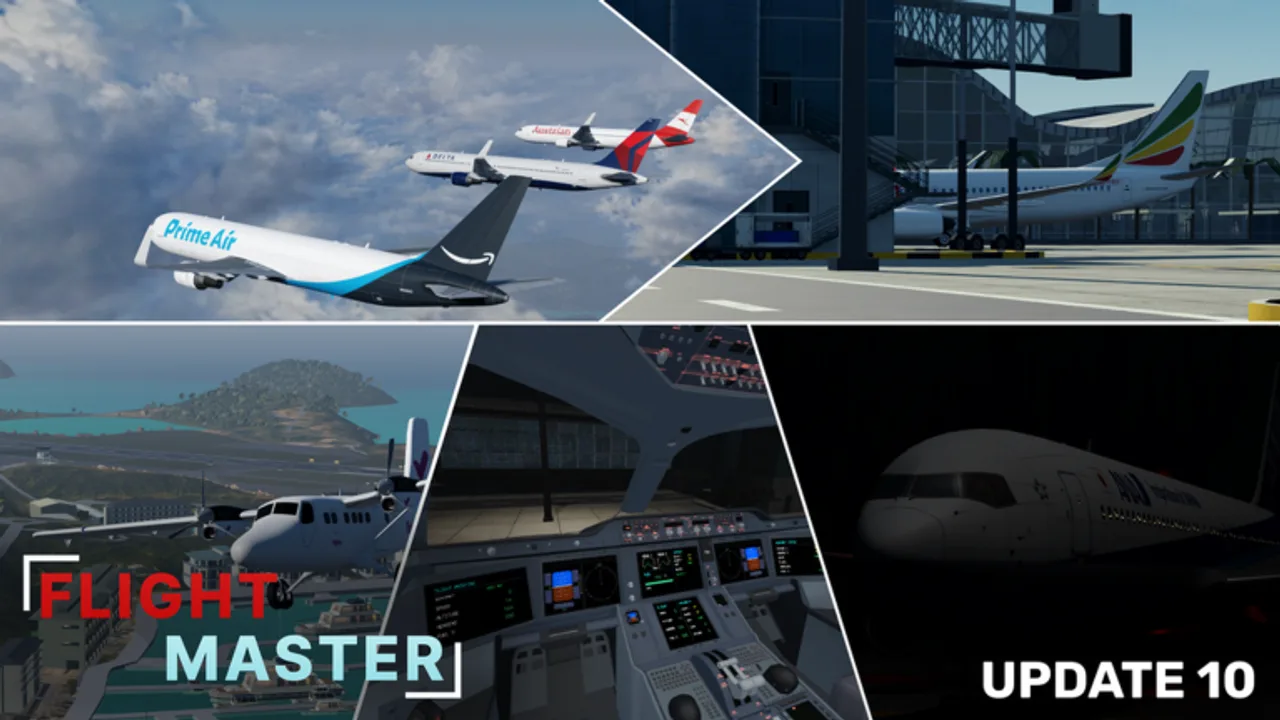
Searching for how to take off or how to land in Flight Master? This walkthrough focuses on repeatable jet procedures that survive the Update 10 physics rework. Review Controls first if engines, rudder, or lights still feel unfamiliar.
Pre-takeoff flow
- Complete pushback and taxi using the Getting Started checklist.
- Hold short, then line up on centerline when clear.
- Set takeoff flaps.
- Landing lights on, taxi light off.
- Confirm engines stable and controls armed (C).
Takeoff technique
Advance throttle smoothly to takeoff power. Stay centered with light rudder. As airspeed builds through the range community pilots use for narrow-bodies (often near 150–180 knots depending on weight and wind), ease aft pressure on the mouse to rotate — do not yank.
Positive rate of climb: gear up. Climb away to a safe altitude before turning crosswind. Retract flaps in stages as speed allows. If the nose wanders, reduce pitch first; adding bank while slow is a stall invitation.
Climb and pattern
Fly a rectangular pattern so every landing looks familiar:
- Upwind — runway heading, clean configuration
- Crosswind — gentle 90° turn
- Downwind — parallel, start configuring abeam the numbers
- Base — descending turn
- Final — wings level, stable speed
Use exterior camera briefly to judge bank if cockpit FOV feels tight.
Stable approach checklist
On final you want:
- Gear down
- Landing flaps set
- Landing lights on
- Speed under control (not idle-diving, not overspeeding)
- Centerline tracked with small inputs
Update 10’s volumetric clouds and weather rework can erase visual cues. Descend early enough to see the threshold. Remodeled Hamilton Island and Doha Hamad have new sight pictures — spend a session learning each field via the airports guide.
Flare and touchdown
Over the threshold, shift eyes down the runway, ease throttle toward idle, and raise the nose slightly to arrest descent. Aim for main gear first. Avoid floating halfway down a short runway — if you are too high or fast, go around.
After touchdown, lower the nose gently, deploy reverse or spoilers as available, and brake straight. Exit when slow; do not make sharp turns at high speed on taxiways.
Go-around procedure
- Toaster throttle to go-around power.
- Pitch for climb.
- Gear up when positive rate.
- Flaps up in stages.
- Re-enter the pattern and call your intentions if ATC is online (ATC guide).
Go-arounds are skill, not failure. Public servers respect pilots who refuse unsafe landings.
Aircraft-specific notes
- A320neo / 737 — forgiving trainers; perfect for ten-circuit sessions (tier list).
- A350 / 767 — manage energy earlier; heavier inertia after the physics rework.
- Twin Otter — slower speeds, steeper attitudes, excellent for short strips.
- A340 on tiny islands — challenge mode only.
Drills that build consistency
| Drill | Goal |
|---|---|
| 10 identical touch-and-goes | Same aiming point every time |
| Night landing | Lights + instrument scan |
| Crosswind-ish pattern | Rudder discipline |
| Heavy on long runway | Patience in the flare |
| STOL strip | Know when to go around |
Physics rework adaptations
Players returning from older builds may float longer or sink faster. Recalibrate with a mid-size jet at Doha before attempting Juliana-style short finals. Wingflex on supported heavies is visual feedback, not a substitute for AoA awareness.
Common errors
- Rotating too early and scraping tails
- Dropping gear at the last second
- Idle throttle from five miles out then diving
- Ignoring traffic already on the runway
- Using scripts that break collision and teach bad habits
After you land
Taxi clear, clean up flaps, and shut down only on the ramp. Review whether you used the full lights flow. Then either repeat the circuit or switch airports intentionally — random hopping slows learning.
When landings feel boring (in a good way), add ATC communications or build a custom runway in the Map Editor and host a fly-in.
Frequently Asked Questions
Quick answers for Flight Master pilots, ATC, and builders.
What speed should I rotate in Flight Master?
It varies by aircraft, but many jets rotate in a mid-to-high 100s knot range. Watch airspeed and rotate smoothly rather than memorizing one number for every plane.
How do I land smoothly?
Stabilize early, configure gear and flaps on schedule, flare gently over the threshold, and go around if you are high or fast.
When should I go around?
Anytime the approach is unstable, the runway is occupied, or you cannot touch down in the touchdown zone.
Did Update 10 change landing feel?
Yes. The full physics rework alters rotation and flare. Re-practice with a familiar jet before short-runway attempts.