Flight Master Map Editor Guide
Design custom runways and invite friends for private Flight Master sessions.
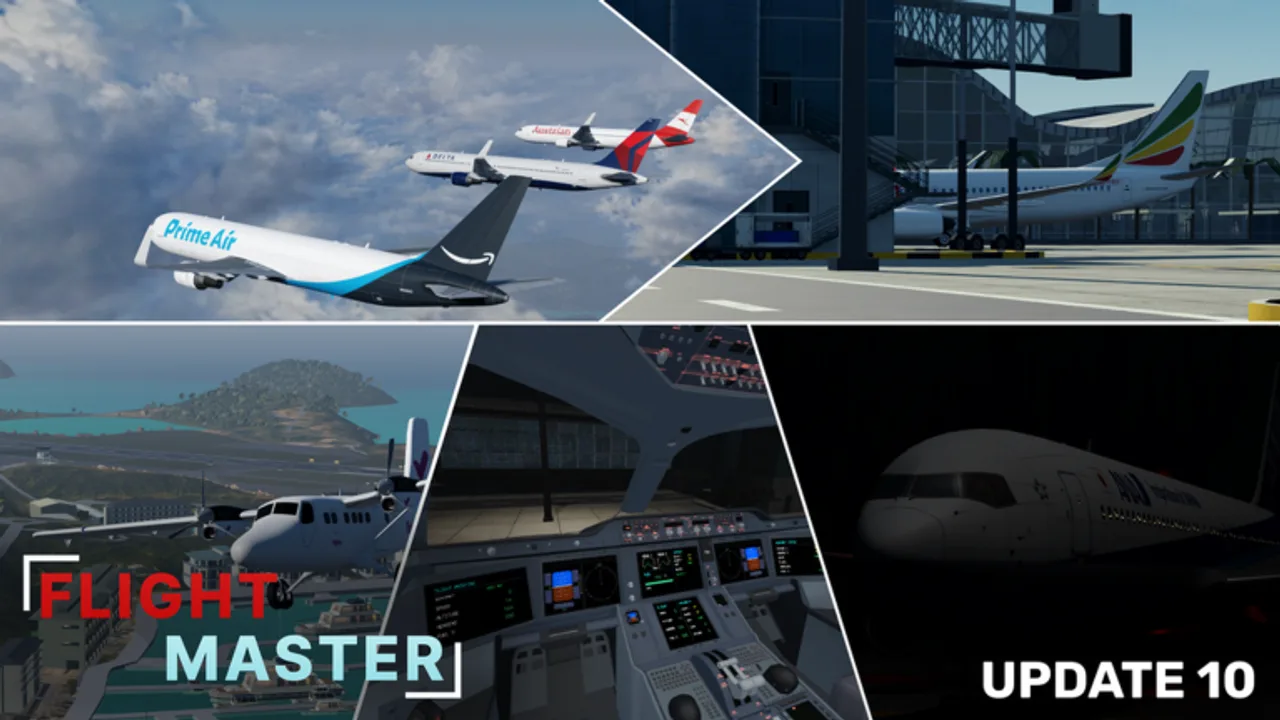
The Flight Master Map Editor lets you build custom airports — a standout feature called out in major creator reviews. This guide covers planning, placing runways, decorating with props, test flying, and hosting. Own the gamepass notes on Players / Gamepasses before you invest build time.
Update 10 included an ATC + Map Editor rescript, so button labels may differ slightly from older YouTube layouts. Trust the in-game help panel when icons move.
Why the editor matters
Public airports are excellent, but custom fields unlock:
- Private training strips sized for your favorite plane from the tier list
- Cinematic island bases for content creation
- Community fly-ins with unique approaches
- Controlled practice for short-field technique from Takeoff and Landing
Access and setup
- Purchase / unlock the Map Editor gamepass if required.
- Open the editor from the main menu.
- Prefer a private server when building with friends so props save without random traffic.
- Read the built-in help overlay once — it explains runway placement and multiplayer use.
Planning your airport
Sketch before you spam props:
- Runway length — match the aircraft you expect (Twin Otter vs 767).
- Approach paths — avoid mountains/water traps unless you want a challenge.
- Taxi flows — leave room to exit without 180° spins on the runway.
- Spawn logic — place gates or ramps where new joiners appear safely.
Creators like Seniac demonstrate building “FS International” style fields by starting with a single runway, testing a landing, then layering scenery.
Placing runways
- Click and hold to move pieces.
- Use rotation tools carefully — runways can support multiple heading directions.
- Delete and redraw early rather than stacking overlapping asphalt.
- Keep both ends clear of props that clip landing gear.
After the first strip exists, spawn a mid-size jet and fly a low pass before decorating. A pretty airport that cannot be landed wastes everyone’s time.
Props and scenery
Add terminals, lights, and vegetation in passes:
- Functional lighting for night ops
- Terminal / hangar silhouettes
- Detail props last
Remember Update 10’s volumetric clouds and weather — high-contrast runway edge lighting helps guests see your field.
Test-flight checklist
- Land from both directions if dual headings exist
- Taxi from spawn to runway without clipping
- Go-around path clear of props
- Heavy aircraft rollout still fits
- Mobile guests can find the airport in the menu
Hosting a fly-in
Share the private server link, publish simple rules (one runway in use, ATC optional), and appoint someone on ATC if traffic grows. Point new pilots to Controls so they are not learning pushback during your event.
Editor etiquette
- Do not overwrite someone else’s save without permission.
- Avoid invisible walls on short final.
- Label unusual runway lengths in chat.
- Keep scripts disabled during community events (Scripts).
Troubleshooting
| Issue | Fix |
|---|---|
| Runway faces wrong way | Delete and rotate with the heading tool |
| Planes sink through asphalt | Rebuild runway piece; check physics after Update 10 |
| Friends cannot see build | Confirm private server + save/publish steps |
| UI missing after patch | Re-open editor post-rescript; check Updates |
Creative ideas
- Short STOL strip for Twin Otter practice
- Long desert runway for 767 training
- Dual-runway hub mimicking Doha-style flows
- Night-only lighted island for cinematic landings
Learning loop
Build → test land → adjust aiming points → invite one friend → iterate. Pair editor nights with reading Airports so your custom fields borrow real-world lessons from Hamilton Island and Juliana-style approaches.
When your airport feels ready, film a landing and compare it to official trailers on the Updates Hub. Then celebrate with a formation flight — no cheats required.
Frequently Asked Questions
Quick answers for Flight Master pilots, ATC, and builders.
Is the Flight Master Map Editor free?
It is commonly offered as a gamepass-powered feature. Check the in-game store and the Players / Gamepasses page for current ownership requirements.
Can friends use my custom airport?
Yes — private servers are the standard way to share Map Editor builds for multiplayer fly-ins.
Did Update 10 change the Map Editor?
Yes. ATC and Map Editor were rescripted. Follow the latest in-game UI if older tutorials look different.
What plane should I test land first?
Use a mid-size S-tier jet from the tier list before approving the field for heavies.