Codes
Working Flight Master Roblox codes, redemption steps, and Discord tips so you never miss free rewards when new promos drop.
View all CodesRoblox flight sim codes, plane tiers, and landing guides.
Unofficial Flight Master Roblox wiki for codes, plane tier lists, ATC tips, Map Editor help, and smooth landing guides.
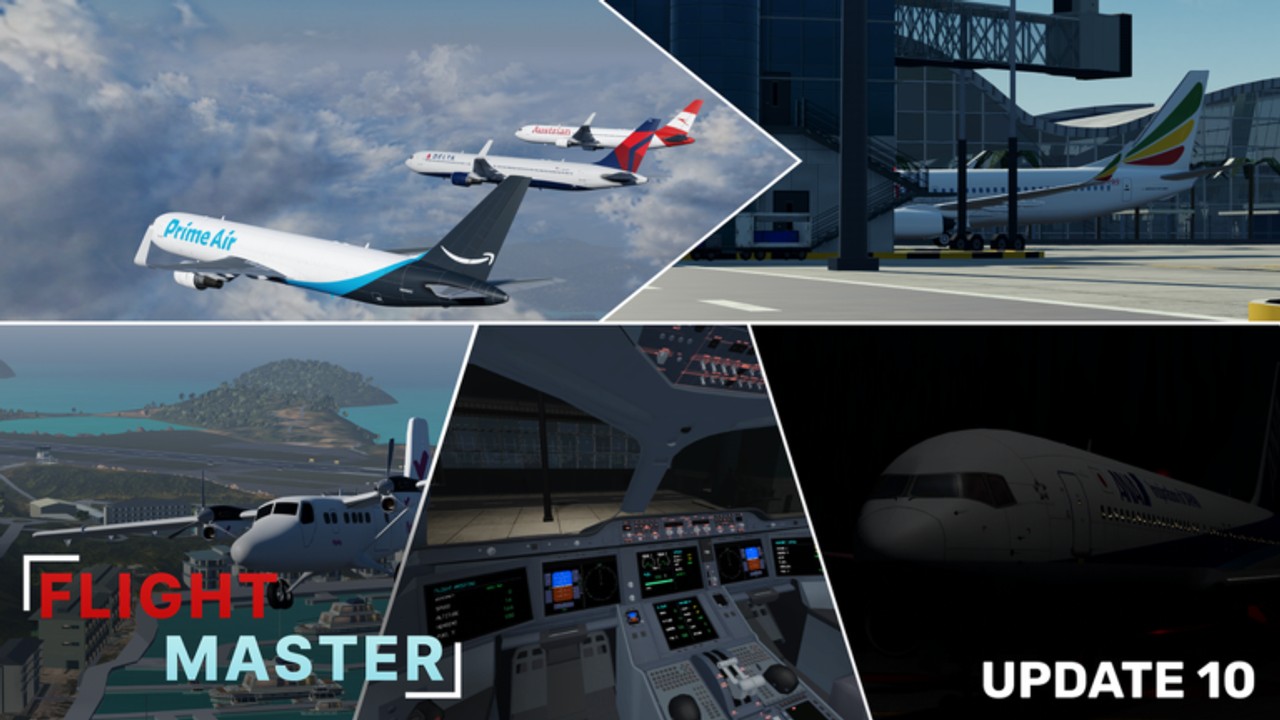
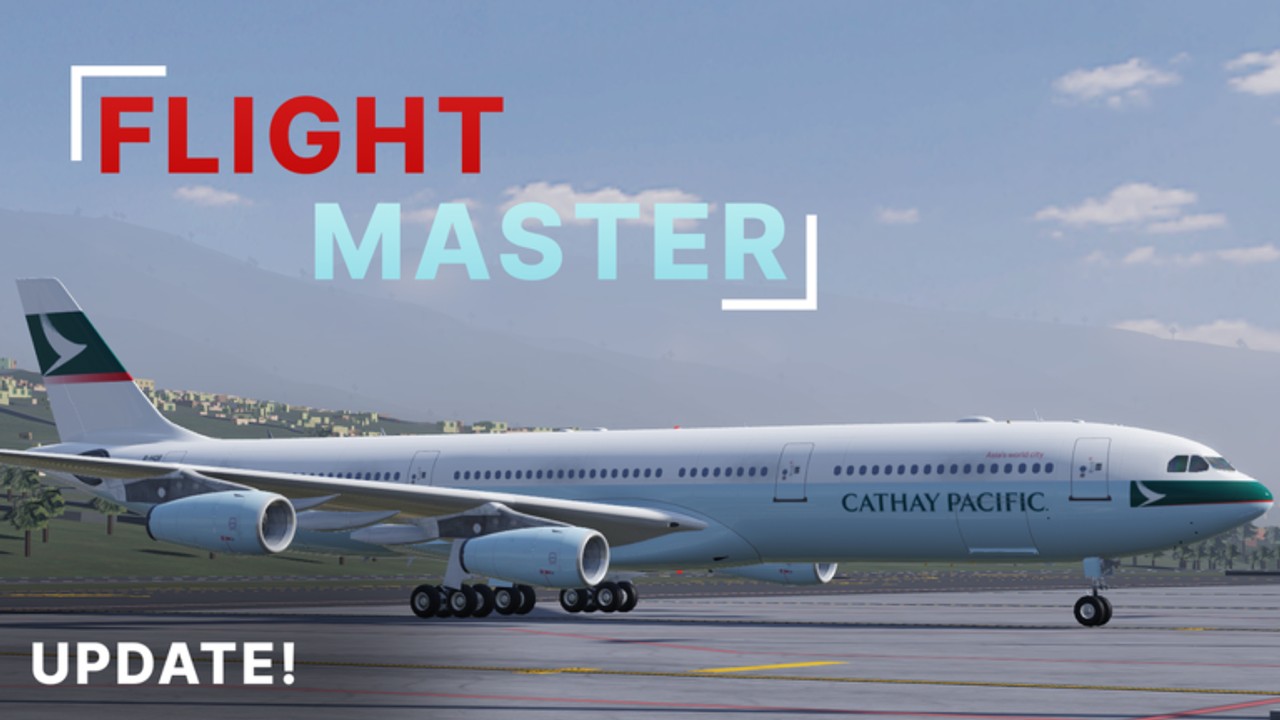
Flight Master is a realistic Roblox flight simulator by OctaGaming987 with animated cockpits, remodeled airports, ATC, and a Map Editor. Start with the beginner guide, learn controls, then master takeoff and landing. Compare airframes on the plane tier list, track Update 10, and check codes after major drops.
Working Flight Master Roblox codes, redemption steps, and Discord tips so you never miss free rewards when new promos drop.
View all CodesFlight Master Roblox guides hub: beginner setup, controls, landing tutorials, ATC, Map Editor, and airport tips in one place.
View all GuidesFlight Master Roblox plane tier list for beginners and experts — ranking A320, 737, 767, A350, Twin Otter, and more by handling.
View all Tier ListFlight Master Roblox gamepasses and roles: ATC, Map Editor, paid planes, and how community pilots get the most from each unlock.
View all GamepassesFlight Master Roblox Update 10 patch notes: Hamilton Island, Boeing 767, volumetric clouds, ATC rescript, and prior trailer history.
View all UpdatesFlight Master Roblox scripts overview: what players look for, safer usage notes, and better legitimate alternatives for flying practice.
View all ScriptsOfficial Flight Master Roblox links: Discord invite, YouTube trailers, game page, and safe channels for codes plus Update 10 news.
View all LinksOpen Flight Master on Roblox, choose a forgiving jet, and spawn at a long runway. See the Getting Started checklist and the plane tier list.
Memorize engines, pushback, rudder, lights, and cameras in the Controls guide before you roll onto an active runway.
Fly patterns with the Takeoff and Landing walkthrough until flares feel boring — in a good way.
Tour Hamilton Island and Doha Hamad with tips from the Airports guide after Update 10.
Direct traffic with the ATC guide or build a private strip using the Map Editor notes on Gamepasses.
Quick answers for Flight Master pilots, ATC, and builders.
A realistic flight simulator by OctaGaming987 where you fly airliners between detailed airports, staff ATC, and build custom runways.
Read the Getting Started guide, then Controls and Takeoff and Landing.
Check the Codes Hub for the latest public list. Drops often appear on Discord after major updates.
Use the plane tier list — A320neo and 737-class jets are strong trainers before heavies like the 767.
This wiki supports: English, Français, Deutsch, Español, Português (BR). Configure locales in site.meta.json and run npm run generate:i18n.
Hamilton Island and Doha remodels, Boeing 767, volumetric clouds, cockpit upgrades, physics/UI revamps, and ATC + Map Editor rescripts — see Updates.
No. It is a fan-made guide site. Confirm patch notes on the official Roblox page and developer Discord.
From first pushback to ATC nights and custom Map Editor airports, the wiki covers every system. Start with the beginner guide or jump into codes and the plane tier list.
Start with the beginner guide